Video · product demo
Kyros at work: from draft to signature
One document travels the whole path — type-driven creation, approval route, correspondence, a transport request and a desktop alert. No editing tricks, at the real pace of the system.
video-demo.mp4 was not found next to this page — the player is wired up, just drop the file in.
Chapters
What the video covers, in order — from signing in to the AI agent and alerts.
Login and my tasks
The one screen a working day starts from: what needs signing and what is overdue.
Creating a document
Fields follow the document type, the number comes from the type template, the route fills itself in.
Approvals and versions
Signatures, send-back for rework, signature reset when a new version lands.
Correspondence and transport
An incoming letter with a resolution, a trip request and the “vehicle found” status.
Kyros AI and alerts
Plain-language questions about the archive and reminders in the desktop app.
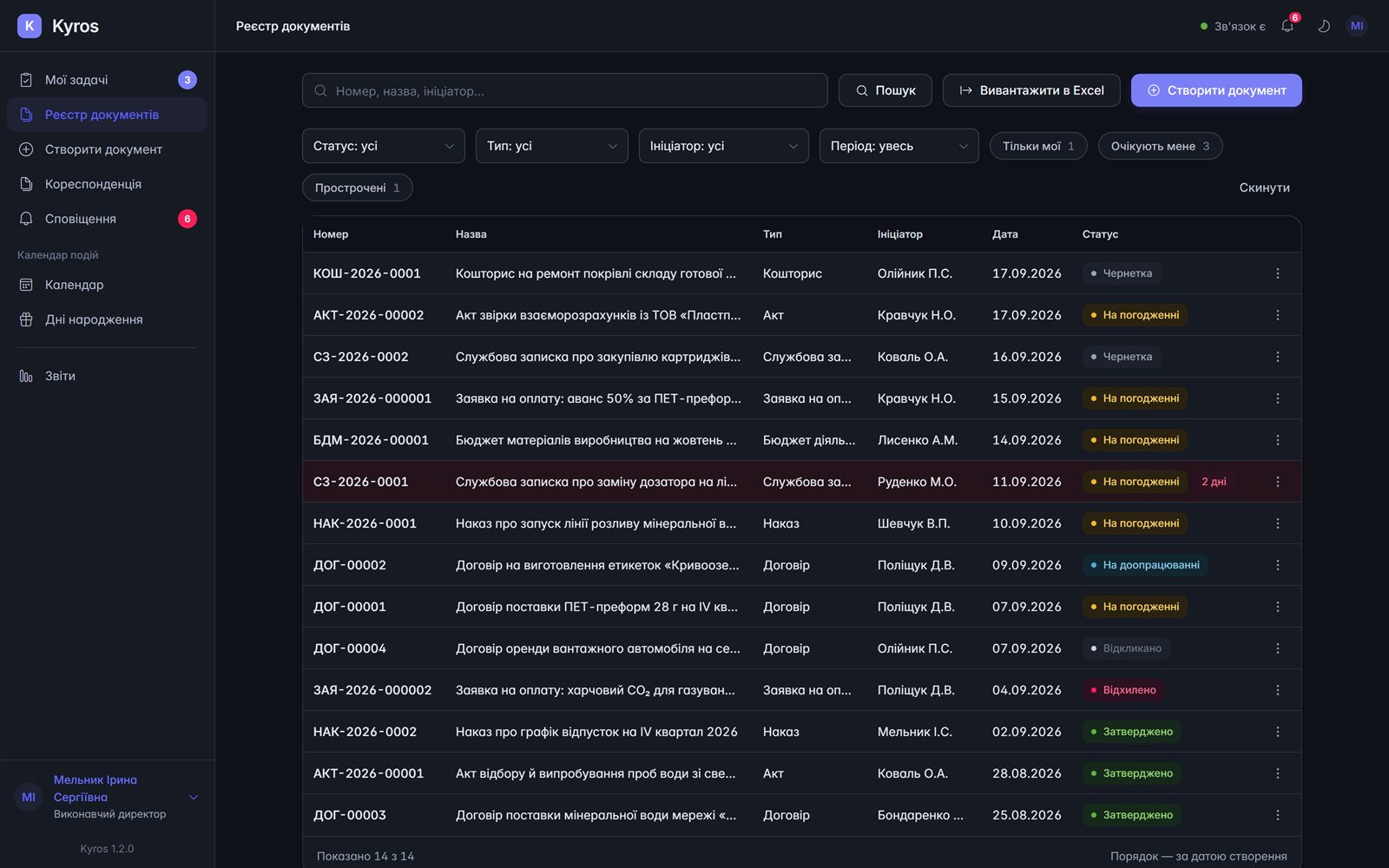
Registry: filters and statuses
Approval route
Desktop notification
Want to see it on your own documents?
Half an hour over a screen share and you will know what Kyros covers today and what would need building.
Book a demo